You should know which digital assets your business controls and what would happen if a supplier stopped working with you. That is sensible housekeeping even when the relationship is excellent.
The word “ownership” can hide several different questions. Who has account access? Who is named on the registration? What do you have permission to use? What does the contract say you receive? Paying an invoice does not answer all of them.
Start with an account inventory
List your domain registrar, hosting, website platform, email, business profiles, advertising accounts and any reporting tools. For each, record the account identifier, the business contact responsible, who has access and the renewal arrangements.
Keep credentials in a suitable password manager rather than putting them in the inventory or emailing them around. The inventory should help you locate and manage access without becoming a list of exposed passwords.
Check the details by signing in through trusted addresses. An old handover document may describe an account that has since moved or a former employee’s email.
Your domain deserves particular attention
The domain is the address customers recognise, and it can also be connected to email. Establish which registrar manages it, whose details are recorded and who receives renewal and recovery messages.
Ask whether the domain sits in an account your business can control or inside a supplier’s account. If a transfer is needed, plan it with the provider rather than changing records blindly. Domain management and website hosting are related but separate services.
Do not assume that a website administrator login gives you control over the domain. It usually represents a different level of access.
Separate the website from the licences it uses
A website can contain your text and photographs, commissioned design work, licensed fonts, third-party software and a hosted platform. The rights and transfer options for those components may differ.
Ask what the agreement covers, including access to files and databases, design assets, source material and continued use of paid themes or plugins. Check whether licences belong to the business, are provided through an agency subscription or must be replaced when support ends.
Hosted website builders may offer different export options from a self-hosted installation. That is not automatically a problem, but you should understand it before choosing the platform.
If there is a dispute over intellectual property or contractual rights, review the agreement and obtain legal advice. Administrative access and legal ownership are not the same thing.
Keep advertising access clear
Identify the account that holds your campaigns, billing arrangements and historical reporting. Establish whether your business has appropriate administrative access and how an agency is connected.
Using an agency’s management tools can be entirely normal. The important point is whether the relationship and exit process are understood. Ask what happens to campaigns, history, audiences and tracking if you change suppliers, including any platform restrictions on moving them.
Do not remove an outgoing agency before checking whether its access is needed for a planned handover. Equally, access should not remain open indefinitely after that work is complete.
Plan for staff changes and lost access
Use individual accounts and appropriate roles where the platform allows. Avoid a shared login that nobody can attribute or revoke cleanly.
Keep recovery information current and use multi-factor authentication. Make sure the business can recover critical accounts if one person is unavailable, without giving everyone unrestricted access.
Be particularly careful when an account’s recovery email depends on the same domain or service you are moving. Document a viable recovery route before making changes.
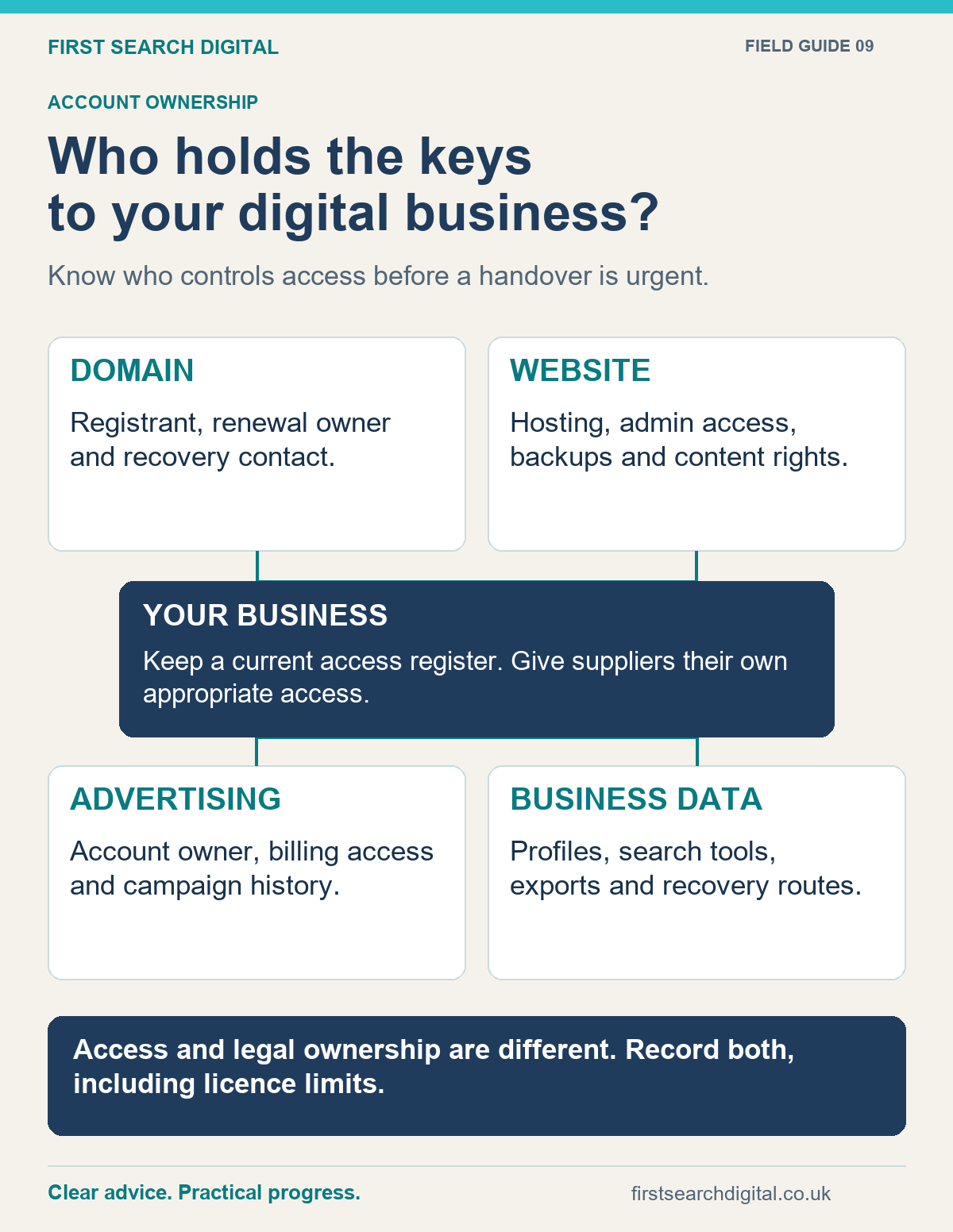
Text version of the infographic: Who holds the keys to your digital business?
Who holds the keys to your digital business?
Know who controls access before a handover is urgent.
DOMAIN — Registrant, renewal owner and recovery contact.
WEBSITE — Hosting, admin access, backups and content rights.
ADVERTISING — Account owner, billing access and campaign history.
BUSINESS DATA — Profiles, search tools, exports and recovery routes.
YOUR BUSINESS: Keep a current access register. Give suppliers their own appropriate access.
Access and legal ownership are different. Record both, including licence limits.
What a useful handover should include
- An account and asset list with responsible contacts.
- Confirmed access for the appropriate people in the business.
- Renewal dates, billing responsibilities and licences.
- Website backups and an explanation of how restoration works.
- Connected services, important settings and known limitations.
- Work completed, outstanding actions and the agreed support boundary.
- A planned point for reviewing and removing obsolete access.
Test the handover. Being told that you have a backup or an administrator account is less useful than confirming that you can use it.
Ask before a problem arises
A straightforward supplier should be able to explain the arrangement. Some services legitimately involve continuing licences or hosted subscriptions; the issue is clarity, not the existence of recurring costs.
I believe clients should stay because the work is useful. My working arrangements are based on an agreed scope and flexible support. If you want help understanding your current setup, digital consultancy can start with a practical account review.
Put this into practice
Planning a handover or website move? The Website Launch Checklist helps organise backups, redirects, contact testing and other practical checks alongside your account-access review.