A website should earn a rebuild through the problems it solves. Age, fashion or a disappointing month of enquiries is not enough evidence on its own.
Sometimes a replacement is the sensible decision. Sometimes a few focused improvements produce a more useful result with less cost and disruption. The job is to establish which situation you are in.
Describe the problem without naming the solution
Write down what the current website prevents you or your customers from doing. Perhaps mobile visitors cannot complete a booking, staff cannot update services confidently or the platform cannot support an important part of the business.
Then separate functional problems from preferences. “Customers cannot find the enquiry form” is different from “I am tired of the colour scheme”. Both may justify work, but they have different urgency.
Ask what is already working too. Useful search visibility, familiar customer journeys and valuable content should not disappear simply because the design changes.
When targeted improvements make sense
An existing site may be a good foundation if its software is supported, important functions work and the main problems are content, layout or a few awkward steps.
Possible improvements include clearer service pages, better mobile spacing, smaller images, repaired forms and simpler navigation. Prioritise changes that help a customer understand the business or complete an action.
A limited test can reduce uncertainty. Improve one important page and observe the response before committing to a site-wide redesign. This is especially useful when the brief is “it does not convert” but nobody has investigated why.
When rebuilding deserves serious consideration
A rebuild may be justified when the platform cannot meet essential requirements, the site relies on unsupported components or routine changes have become disproportionately expensive and fragile.
A major change in business model can also matter. A brochure site and a complex booking service need different capabilities. Check whether those capabilities can be added safely before assuming that they require a new platform.
Ask the supplier to identify the limitation and show how the replacement addresses it. “This platform is bad for SEO” is too broad to be a useful diagnosis.
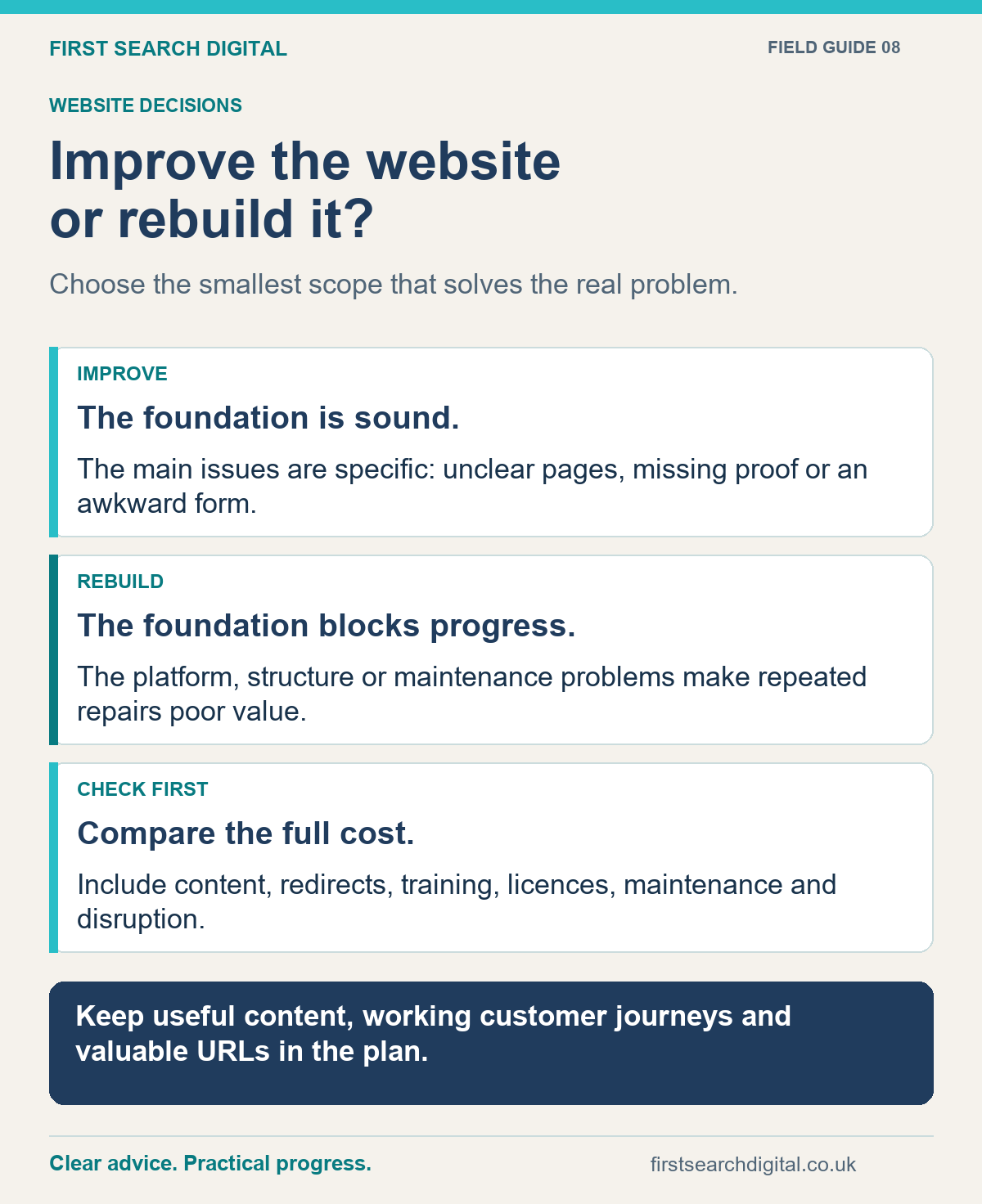
Text version of the infographic: Improve the website or rebuild it?
Improve the website or rebuild it?
Choose the smallest scope that solves the real problem.
IMPROVE — The foundation is sound. — The main issues are specific: unclear pages, missing proof or an awkward form.
REBUILD — The foundation blocks progress. — The platform, structure or maintenance problems make repeated repairs poor value.
CHECK FIRST — Compare the full cost. — Include content, redirects, training, licences, maintenance and disruption.
Keep useful content, working customer journeys and valuable URLs in the plan.
Compare the complete costs
The build price is only one part. Include hosting, licences, content preparation, migration, staff training and ongoing maintenance. Establish who is responsible when a plugin, booking tool or payment service changes.
Consider your own time too. A new site needs decisions about content and services. Rebuilding does not remove the need to explain your offer.
Ask what you will be able to edit yourself, what requires specialist support and how you would leave the arrangement later. A website that looks affordable but is expensive to maintain may be the wrong fit.
Plan for the parts you need to preserve
Before replacing the site, record its important pages, existing addresses, valuable content and connected services. Include forms, email delivery, booking systems, payment journeys and any measurement you rely on.
When page addresses change, map old pages to their relevant new destinations and implement suitable redirects. Do not send every old address to the homepage by default. Google’s site migration guidance explains URL mapping and permanent redirects.
Search performance can fluctuate after a move, so avoid promises of a completely risk-free migration. Retain a baseline and monitor important pages and enquiries afterwards.
Ask for evidence before signing off
Review the replacement on real phones and complete the tasks customers need to perform. A polished desktop presentation is not enough.
- Can a new visitor understand the main services?
- Do forms deliver and explain what happens next?
- Are keyboard navigation, labels and text contrast usable?
- Are images and pages reasonably quick to load?
- Have redirects, indexing settings and essential integrations been checked?
- Is there a backup and a plan if the launch encounters a serious problem?
The website launch checklist gives you a structured way to review those details.
Choose the smallest sensible scope
You do not need the smallest possible job at any cost. You need a scope that addresses the actual problem without creating avoidable rework.
For one business, that is a focused repair. For another, it is a phased refresh. For a site that cannot safely support the business, it may be a rebuild with a careful migration.
I can help review the options through website design and improvement support. If the platform is WordPress, maintenance or a planned migration may be relevant. Start by telling me what the current site is making difficult.
Put this into practice
Compare your observations using the Website & SEO Health Check. If a rebuild or move is justified, use the Website Launch Checklist to plan the transition.