Publication history: This guide incorporates and updates “SEO Basics: Understanding Search Intent”, first published on Finn McCool Marketing on 13 November 2023. The current guide was consolidated and reviewed on 17 October 2026.
Someone searching “why is there damp around my window?” may need an explanation. Someone searching “damp survey Hove” may be ready to find a local specialist. Both searches concern damp, but they do not ask your website to do the same job.
Search intent means the purpose behind a search. Understanding it helps you decide what a page should explain, what evidence it needs and what the visitor should be able to do next.
For a small business, this is a practical planning exercise. It can stop you spending time on articles that attract the wrong audience while the service pages your customers actually need remain thin or unclear.
More traffic is not always better traffic
In the original version of this article, I described an ecommerce client who was pleased that a blog about the metal used in a product was attracting a lot of visitors. My question was whether those visitors were likely to become customers, and whether paying to advertise to them again would make sense.
That was a question about the value of the traffic, not a published measurement proving the article generated no sales. Informational content can build understanding, support existing customers and introduce people to a business. The point is to give each page a purpose and judge it against that purpose, rather than treating every visit as equally valuable.
How a few words change the likely need
- “Freestanding bath”: a broad search that may involve browsing products, comparing styles or looking for inspiration.
- “Best freestanding bath for a small bathroom”: likely to need comparisons, dimensions and practical trade-offs.
- “Buy 1500mm freestanding bath”: suggests a specific purchase, with price, availability and delivery information becoming important.
- “How to clean a freestanding bath”: likely to need aftercare instructions rather than a sales pitch.
These are starting hypotheses, not fixed rules about today’s Google results. Check the actual results, customer questions and your own enquiries. A person can move between learning, comparison and buying over several visits.
Start with the task, not a keyword score
Search-volume estimates can help with research, but a large number does not tell you whether a query is commercially useful. A national question may attract far more interest than a local service search while bringing fewer suitable enquiries.
Ask what someone is trying to achieve. Are they understanding a problem, comparing possible solutions, finding a particular business or choosing someone to help?
Then consider whether you are the right business to answer. A useful topic connects the person’s need with something you actually know or provide. It does not require forcing every popular phrase into your website.
Four useful ways to describe intent
These labels are planning aids, not rigid boxes assigned to every person. A search can contain more than one need, and the same person can move between them.
Learning or understanding
The person wants an explanation: “why does my laptop keep shutting down?” A useful page might explain common possibilities, safe checks and when professional diagnosis is appropriate. It should not pretend to diagnose an individual machine from a few words.
Finding a particular destination
The person already knows the name: “First Search Digital contact”. They need the correct destination quickly. Clear navigation, accurate business information and a straightforward contact page matter more than a long educational article.
Comparing options
The person is weighing a decision: “repair laptop or replace it?” A useful page explains the factors, trade-offs and information needed to decide. It should acknowledge cases where your paid service may not be the best answer.
Taking action
The person wants to do something: “laptop diagnostics Brighton”. A relevant service page should establish what you offer, where you work, how the process starts and how to enquire. A general history of computers would make them work too hard.
Use a simple page-planning worksheet
Before creating a page, write down the following six answers. A short note is enough; the aim is to clarify the job rather than produce a large strategy document.
- Customer question: What would this person ask in their own words?
- Immediate need: What are they trying to understand or decide?
- Best destination: Do they need a service page, guide, comparison, product page or contact route?
- Useful evidence: What could help them trust the answer?
- Next step: What action would make sense at this point?
- Success measure: How will you judge whether the page is doing its job?
Here is a hypothetical example for a local gardening business:
- Question: “How much maintenance does a small garden need?”
- Need: Understand the likely work before deciding whether to get help.
- Destination: A practical guide covering garden type, season and the owner’s preferences.
- Evidence: Clearly explained examples, original photographs and limits to any estimate.
- Next step: View the maintenance service or ask for an assessment.
- Measure: Relevant enquiries and whether customers arrive with a clearer understanding of the work.
A separate service page can explain the actual area covered, scope and enquiry process. The two pages support different needs and should link naturally to each other.
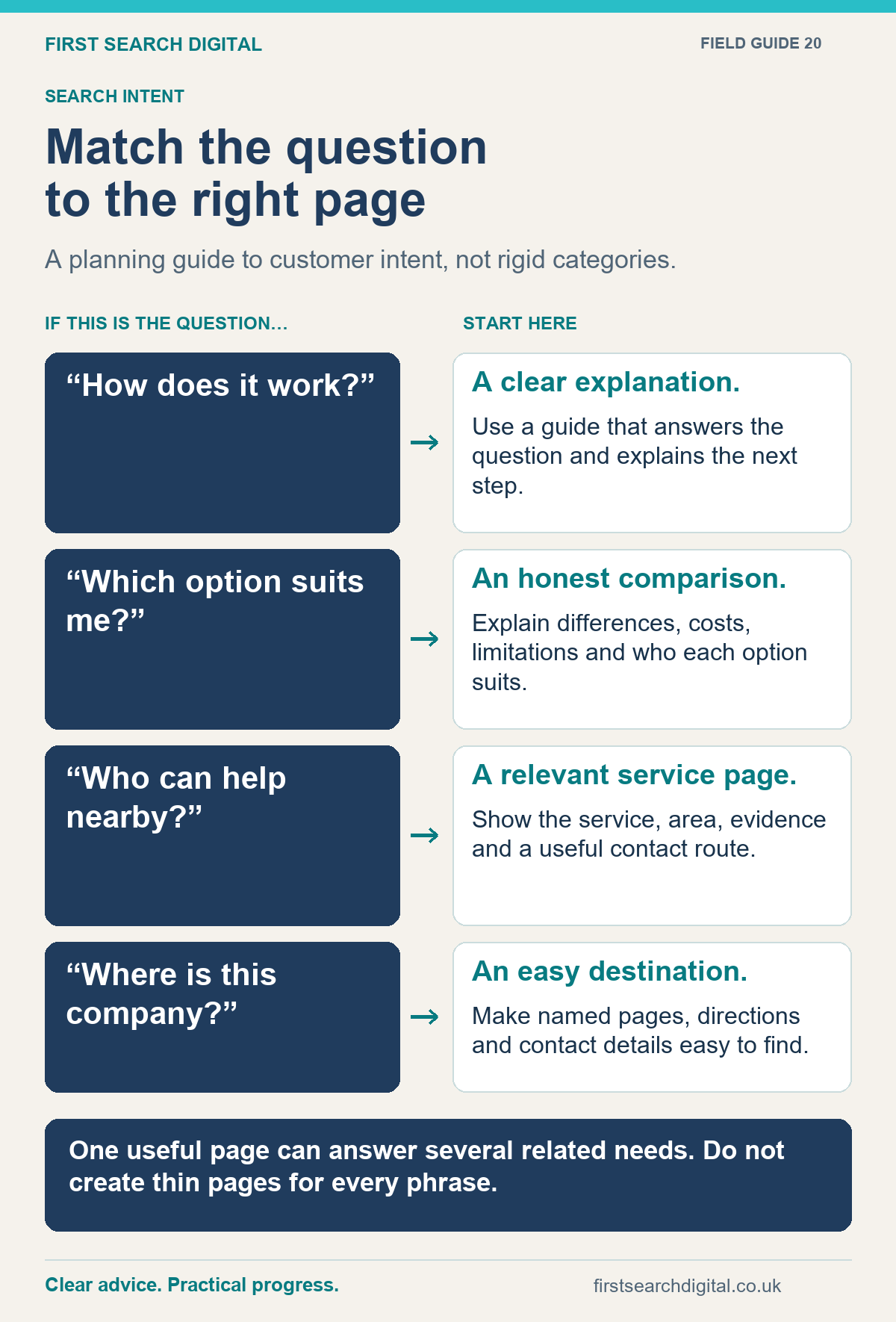
Text version of the infographic: Match the question to the right page
Match the question to the right page
A planning guide to customer intent, not rigid categories.
“How does it work?” — A clear explanation. — Use a guide that answers the question and explains the next step.
“Which option suits me?” — An honest comparison. — Explain differences, costs, limitations and who each option suits.
“Who can help nearby?” — A relevant service page. — Show the service, area, evidence and a useful contact route.
“Where is this company?” — An easy destination. — Make named pages, directions and contact details easy to find.
One useful page can answer several related needs. Do not create thin pages for every phrase.
Look at search results to test your assumption
Search the phrase and examine the kinds of results shown. Are there local businesses, product listings, videos, definitions or detailed guides? Look for patterns rather than copying one competitor’s heading list.
Results can vary by location, device, wording and time. Treat what you see as evidence to consider, not a permanent instruction from Google. Your own customer conversations are also valuable: people may use phrases that your industry would never put in a brochure.
If you have Search Console data, compare the searches bringing impressions with the page being shown. Does that destination answer the question? A page receiving impressions for an unsuitable topic may need clearer positioning, rather than a more aggressive sales message.
Improve the answer before expanding the website
One substantial page can answer several closely related questions. Do not assume that each wording variation needs a new URL. A service page can explain who the service is for, what happens, common concerns and the next step without splitting those essentials into disconnected articles.
Google’s people-first content guidance asks whether readers learn enough to achieve their goal and whether content adds original value. It also makes clear that there is no preferred word count to write towards.
My practical test is simple: if a customer read only this page, would they understand the subject well enough to make a sensible next decision? If not, identify the missing answer. Adding another 500 words of general background may not fix it.
Match the invitation to the visitor’s position
A visitor reading an early explanation may appreciate a checklist or a related guide. Someone on a service page may want to know what to send with an enquiry. Make those routes visible without making every paragraph an advertisement.
For example, a guide to signs of a hacked website can offer a route to recovery support. The recovery page can explain the information needed to assess the problem. Neither page needs to promise an instant fix before the website has been inspected.
The connection matters: useful information should help someone progress when they are ready, while the service page should deliver on the expectation created by the search and the guide.
Pick one page to work on first
Choose a service that matters to the business and list the questions people ask before buying it. Compare those questions with the page you currently send them to. Fix the largest gap: perhaps the location is unclear, the process is unexplained or the examples are irrelevant.
Record the starting point, make a focused change and review the resulting enquiries over a suitable period. Avoid judging a considered service by a few days of traffic or expecting every educational visit to become a customer.
Put this into practice
Use HeadingSweep to review the outline of an existing page, or SERPSweep to collect search results for research. The results you observe are a snapshot, not universal rankings.