More visitors will not solve every website problem. If the people arriving cannot understand your offer, trust your business or contact you easily, paying to attract more of them can simply increase the cost of the same problem.
The useful question is where the journey breaks down. Work through it in order: the visitor, the page, the evidence, the action and the response.
First, check whether the numbers mean what you think
A reporting tool may count visits from bots, your own team or people reading an unrelated guide. A visit to a general advice article is not the same as a visit to a service page from someone ready to buy.
Look at which pages receive attention and where those visitors come from. Separate your own brand searches, service searches, advertising and other sources where the information is available. Avoid comparing a busy educational article with a page intended to generate bookings as if both have the same job.
Also check whether enquiries are being recorded properly. Emails may arrive without a tracked form submission; a tracking event may fire even when a form fails. Website reports and actual customer messages should be reconciled, not assumed to match.
Can the visitor tell that you solve their problem?
Read the first screen of the landing page as someone who has never met you. It should answer three questions: what do you do, who is it for and where do you work?
A heading such as “Solutions for your future” could belong to almost any business. “WordPress recovery for small businesses in Sussex” gives someone a clearer starting point. That does not mean every heading needs a location or keyword; it means the offer should be understandable.
Check the match with the advert or search result too. If someone clicks for a specific repair and lands on a general homepage, you have asked them to start the search again inside your site.
Have you answered the questions that delay a decision?
Customers may need to understand the process, suitability, likely commitments or what happens after they enquire. You do not have to publish a fixed price for bespoke work, but explain how a quote is reached and what information you need.
Useful detail often comes from the questions you answer repeatedly by email. Add those answers beside the relevant service rather than hiding every practical point on a separate FAQ page.
Give people credible reasons to trust you
Show who is behind the business, relevant experience, real examples of work and a clear way to contact you. Use testimonials and client names only where you have permission, and describe outcomes accurately.
Trust can also be damaged by contradictions. An old address on a social profile, an expired promotion or a service page describing work you no longer offer creates doubt. Review the information a customer might check around the website, not just the homepage.
A genuine photograph and a clear explanation of how you work can be more useful than another decorative image. A portfolio should help people assess suitability rather than merely fill a grid.
Test the complete contact journey on a phone
Use a real device, ideally with someone who has not built the website. Ask them to find a service and make a test enquiry. Watch where they hesitate; do not coach them through it.
- Can they read the text without zooming?
- Are buttons and links easy to select?
- Does a banner or sticky element cover the next step?
- Does the form explain errors and preserve the information already entered?
- Is there confirmation after submission, and does the message reach the right inbox?
Mark test enquiries clearly and avoid entering real customer information. Test keyboard navigation as well as touch. A speed score alone cannot tell you whether this journey works.
Make the next step proportionate
A visitor asking a simple question may not want to book a long consultation or provide a detailed business history. Request the information needed to respond usefully, then collect further detail as the conversation develops.
Explain what the action does. “Ask about availability” or “Tell me about your website” can be clearer than a button labelled “Submit”. Put the action near the information that gives someone confidence to take it.
Check what happens after the enquiry
A website can do its job while the business still loses opportunities. Messages can sit in spam folders, replies can arrive too late or nobody may own the follow-up.
Keep a simple log of enquiry date, requested service, suitability and outcome. This helps distinguish a marketing problem from a response or sales problem. A handful of enquiries is a small sample, so look for repeated patterns before drawing firm conclusions.
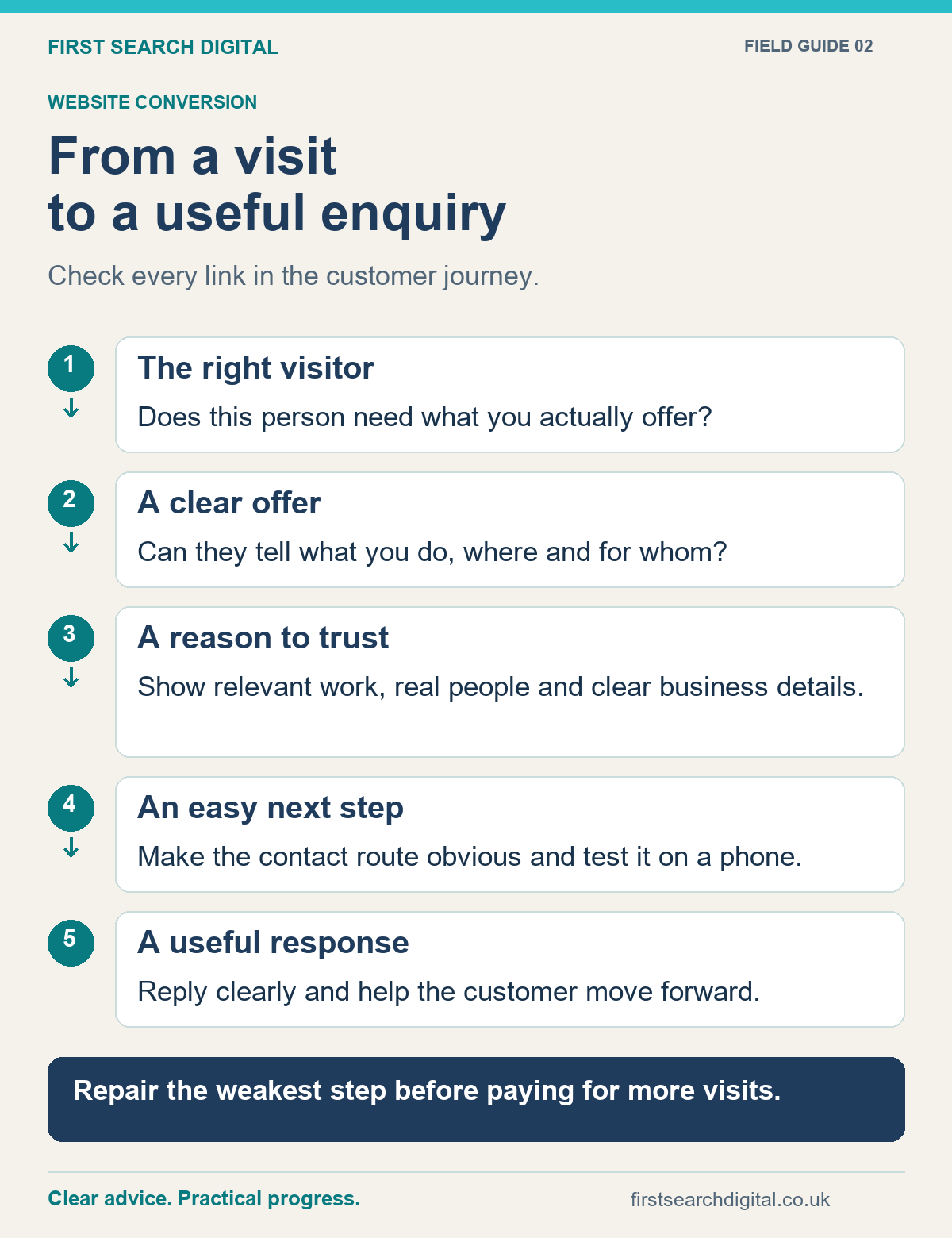
Text version of the infographic: From a visit to a useful enquiry
From a visit to a useful enquiry
Check every link in the customer journey.
The right visitor — Does this person need what you actually offer?
A clear offer — Can they tell what you do, where and for whom?
A reason to trust — Show relevant work, real people and clear business details.
An easy next step — Make the contact route obvious and test it on a phone.
A useful response — Reply clearly and help the customer move forward.
Repair the weakest step before paying for more visits.
Choose one improvement you can evaluate
Start with a broken contact route if one exists. Otherwise choose the most important service page and one clear weakness. Record what changed and compare the quality of subsequent enquiries over a sensible period, allowing for changes in traffic and seasonality.
The website and SEO health check can help you organise the review. For help making the improvements, see website design and conversion support or get in touch.
Put this into practice
Follow the six checks in Give Customers the Confidence to Choose You, then download the free enquiry and quote follow-up pack for editable messages, a tracker and a printable action sheet.
For a focused check of the details customers use to contact you, try BusinessCheck. It can identify possible inconsistencies and broken links; still test the full enquiry journey yourself.