A promising enquiry arrives. There is a recognisable company name, an attractive budget and an invitation to download the brief. You want to respond quickly because it could be useful work.
That is precisely why a fake client enquiry deserves a different kind of attention from obvious junk mail. It can resemble the normal start of a business relationship. The risky step may come several messages later, after you have begun treating the sender as a genuine prospect.
You do not need to reject unfamiliar clients. You need a simple way to check who you are dealing with before opening unusual files, signing into accounts or giving anyone access to your systems.
Look at what the enquiry asks you to do
A large budget or an urgent deadline is not proof of a scam. Nor is a free email address: plenty of small businesses use one. The useful question is whether the requested action makes sense at this stage of the conversation.
Someone asking for a website quote can normally explain the business, its current website and the broad problem in an ordinary message. There should be no need for you to install their “document viewer”, enter your email password on an unfamiliar page or add them as an administrator before that discussion.
Watch for a combination of pressure and unnecessary technical steps:
- A vague project with an unusually generous budget, but reluctance to answer basic questions.
- A brief that can only be accessed by installing software or opening an unexpected archive.
- A sign-in page reached through the message that asks for credentials unrelated to the project.
- A request to turn off security protection because it is “blocking the file”.
- A demand for account access, payment or sensitive documents before you have verified the relationship.
These are reasons to pause and verify, rather than a checklist that proves every sender is dishonest. A genuine prospect should be able to continue the conversation through a sensible, safer route.
Check the address, not just the display name
The name at the top of an email is not a reliable identity check. Expand the sender details and look at the actual address, including any different reply-to address. Compare the domain carefully with the organisation’s independently located website.
Extra words, substituted characters and plausible-looking endings can be easy to overlook on a phone. Equally, an address that looks correct is not enough on its own: accounts can be compromised and messages can be deceptive.
Do not use a phone number, verification link or contact person supplied only in the suspicious message to confirm that same message. Find an established contact route independently. If an enquiry claims to represent a larger organisation, ask that organisation to confirm the person and project.
A polished signature, company logo or document on a familiar file-sharing service does not remove the need for that check. Branding is easy to copy, and a recognisable hosting platform does not vouch for every file placed on it.
Use a simple first-response process
My preference is to establish the ordinary business facts before getting drawn into documents and account permissions. Ask for the current website, the service required, the intended outcome, the approximate timescale and how the person is connected to the business.
You can use a short response like this:
Thanks for getting in touch. Before I review any files, please send a short outline of the business, the website address and what you would like to achieve in the body of your reply. Please also confirm your role and the best established company contact route so we can arrange an initial conversation.
For an ordinary enquiry that seems plausible, this keeps the conversation moving. If you already believe a message is malicious, do not reply to test the sender. Use the reporting and recovery guidance below instead.
Once the relationship is established, agree how documents will be shared. Keep account access separate from the sales conversation. Where access is needed later, use the platform’s proper invitation process and only the permissions required for the work.
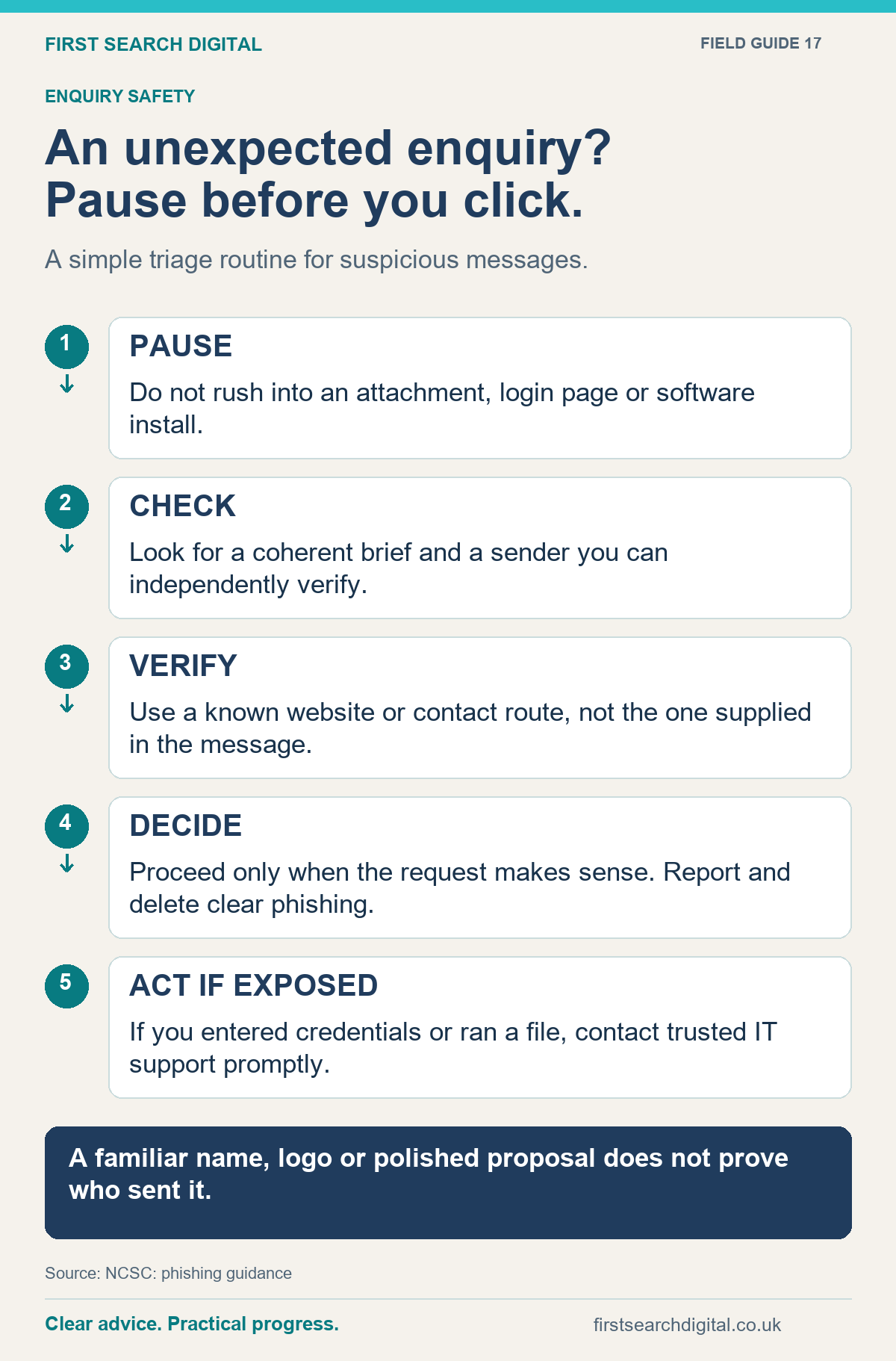
Text version of the infographic: An unexpected enquiry? Pause before you click.
An unexpected enquiry? Pause before you click.
A simple triage routine for suspicious messages.
PAUSE — Do not rush into an attachment, login page or software install.
CHECK — Look for a coherent brief and a sender you can independently verify.
VERIFY — Use a known website or contact route, not the one supplied in the message.
DECIDE — Proceed only when the request makes sense. Report and delete clear phishing.
ACT IF EXPOSED — If you entered credentials or ran a file, contact trusted IT support promptly.
A familiar name, logo or polished proposal does not prove who sent it.
Sources: NCSC: phishing guidance.
Be especially careful when the request changes
A sensible enquiry process is useful beyond the first email. A conversation can become suspicious when someone suddenly asks for a new payment destination, a different sign-in method or urgent access to an advertising account.
For example, imagine an enquiry about a website refresh that becomes a request to receive money and forward part of it to a third-party supplier. That is a different transaction from the work you were discussing. Stop and check it independently rather than treating the earlier conversation as blanket permission.
The same principle applies to a familiar client who unexpectedly sends a password-protected file. Familiarity with the name should not override a change in behaviour.
If you have already clicked or shared information
Take action based on what happened. Stop interacting with the message. If you supplied a password, change it through the genuine service and change any other accounts where you reused it. If bank details were disclosed, contact your bank promptly. Tell your IT support about any work device or business account involved.
The National Cyber Security Centre gives step-by-step advice for phishing incidents, including what to do after opening a link or installing something. Follow the route that matches the incident rather than assuming that closing the browser has resolved it.
In the UK, suspicious emails can be forwarded to [email protected]. Keep the original message and a brief record of what you did so anyone helping can understand the sequence. Avoid sending it around the team with an invitation to open the same attachment.
Make checking normal, not embarrassing
Small teams work quickly and often share responsibility for enquiries. Agree who can approve new account access, how unusual payment changes are checked and where suspicious messages should be reported internally.
People should feel comfortable saying “I may have clicked something” immediately. A blame-filled reaction encourages silence at exactly the point when prompt action is useful.
The aim is a repeatable habit: understand the request, verify the person and use an appropriate route for files and access. You can stay welcoming to new customers while refusing unnecessary risks.
If you would like help reviewing the way enquiries, website access and digital work are handled, tell me about your current process. We can agree a practical piece of work that fits the problem and your budget.
Put this into practice
For a practical review of your enquiry process, see digital business consultancy. BusinessCheck can help review contact details and links on your own website; it does not verify a sender’s identity or establish that an enquiry is genuine.